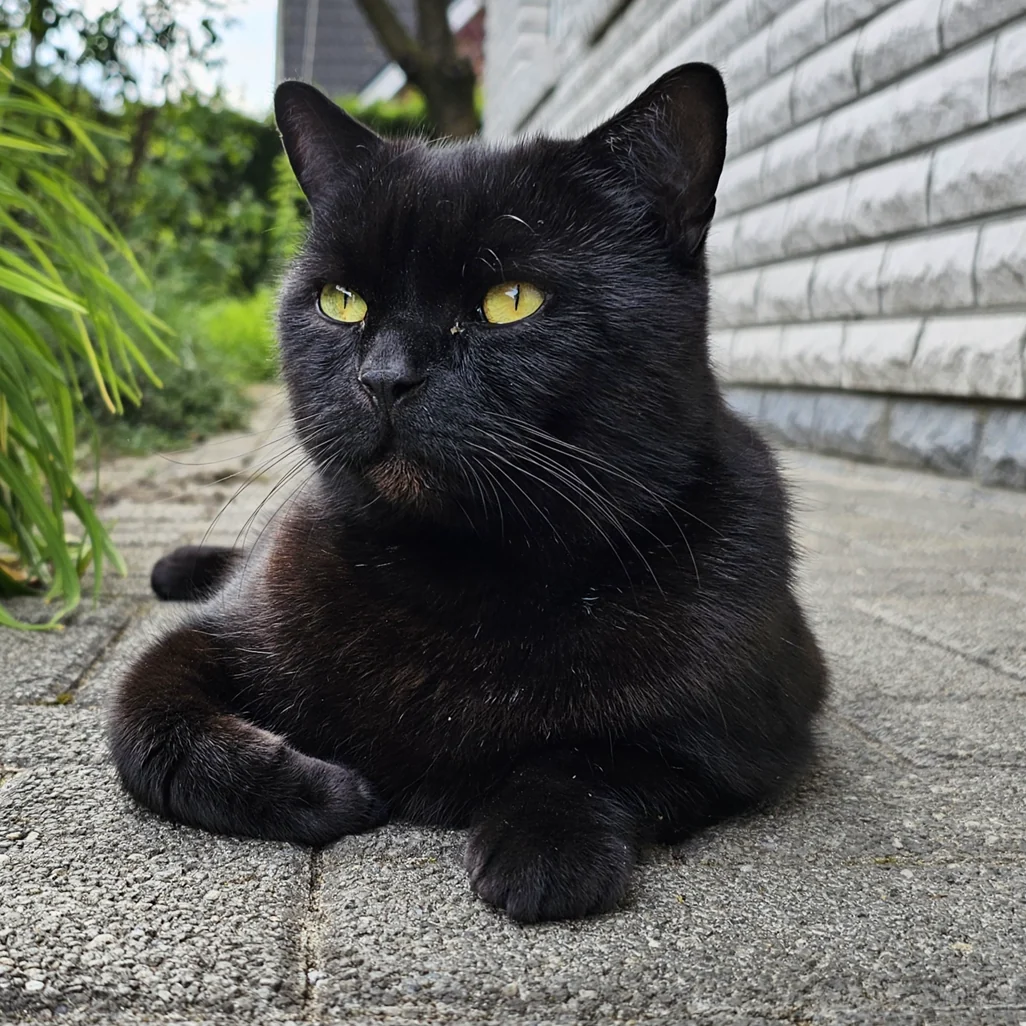
01 Photo
Pixel art puzzle maker
Create your own pixel pictures.
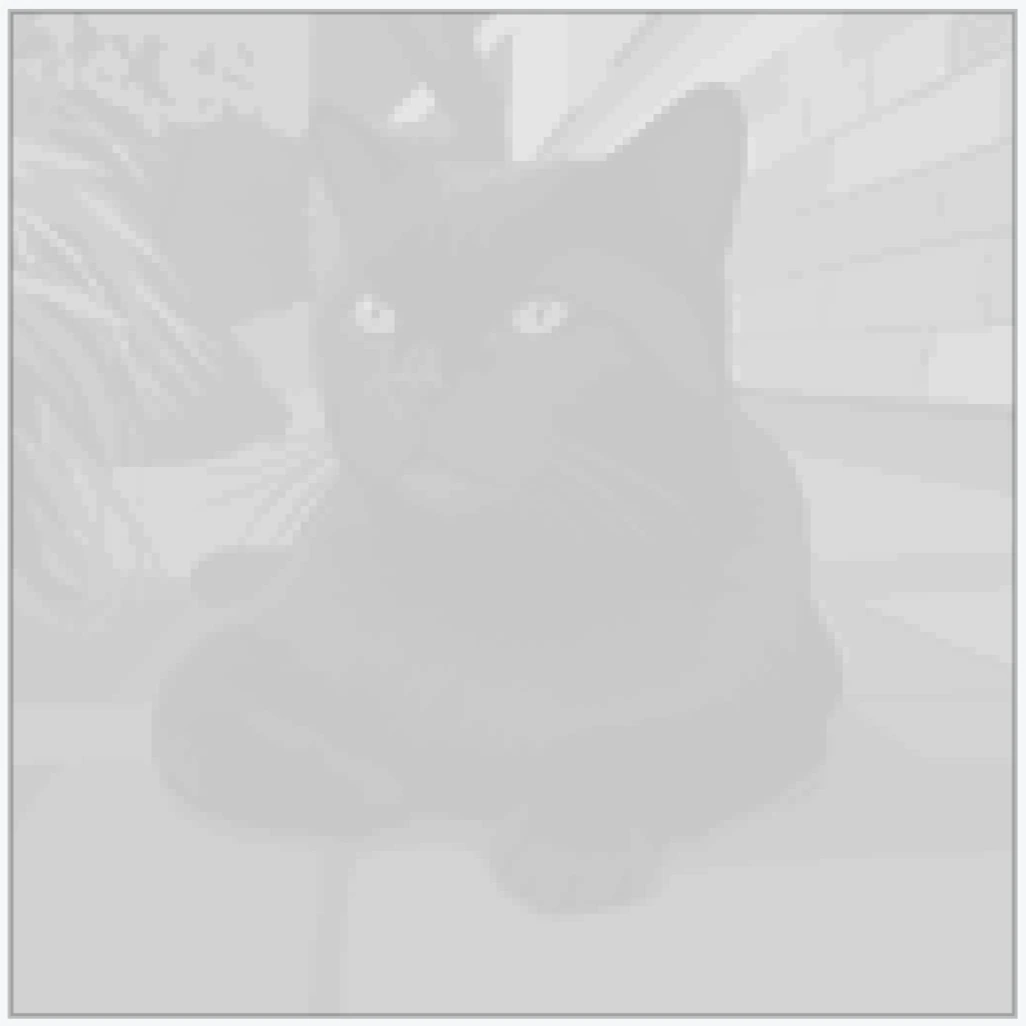
02 Pixel puzzle
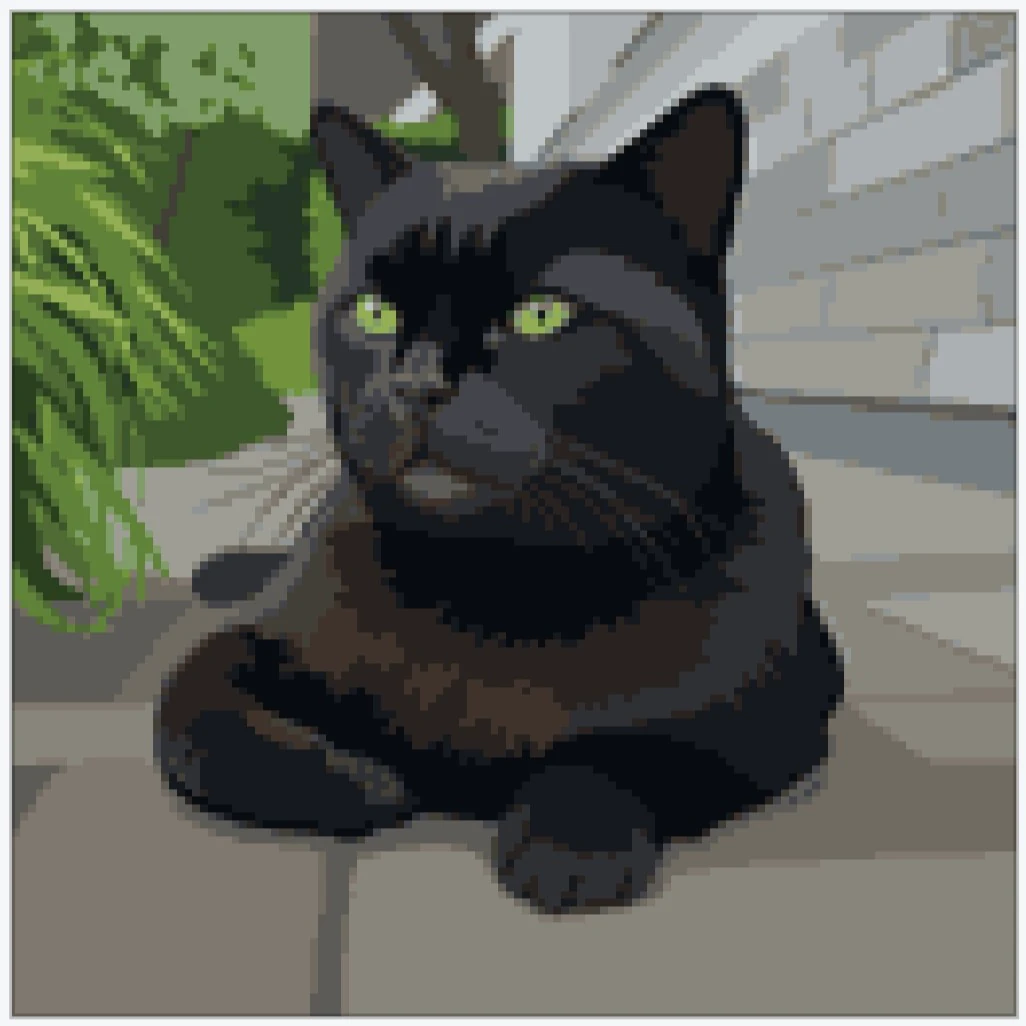
03 Colored
Designed for creative play
A simple way to make every image playable.
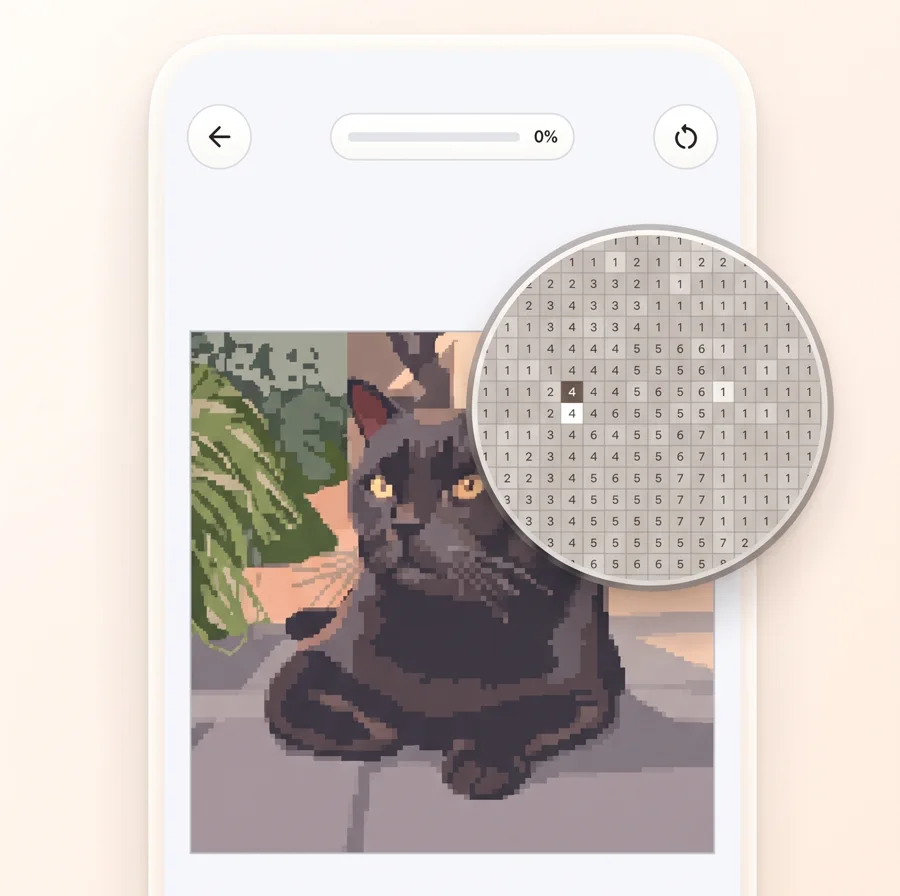
Turn photos into puzzles
Create custom pixel art puzzles from images on your device.
Color with clarity
Readable grids, numbered cells, and palettes built for focused play.
Keep your progress
Save puzzle progress and continue across sessions when signed in.
How it works
From photo to playable pixel puzzle in three steps.
Coloryx is built for people who want to turn personal images into something they can actually play, color, and finish.
- 01
Choose an image
Pick a portrait, pet, object, memory, or illustration from your device.
- 02
Create the pixel puzzle
Choose the puzzle size and color count so the result fits the level of detail you want.
- 03
Color by number
Open the generated grid, zoom in, follow the numbers, and keep your progress.
Puzzle controls
Settings that keep custom images readable.
Photos need different treatment than simple clip art. Coloryx gives you practical controls for size, colors, and image preparation.
Pixel size
Use larger grids for detailed portraits and smaller grids for simple shapes or quick coloring sessions.
Color count
Choose more colors when skin tones, hair, gradients, or soft shadows should stay recognizable.
Enhance option
Prepare generated images with a richer prompt before turning them into a puzzle.
Saved progress
Continue unfinished puzzles later instead of starting over.
Ideas
Use Coloryx for personal, creative pixel pictures.
Portrait puzzles
Turn selfies and portraits into calm coloring projects.
Pet pictures
Create playful pixel puzzles from cats, dogs, and favorite animal photos.
Gift ideas
Make a personal puzzle from a memory, trip, or shared photo.
Relaxed coloring
Use numbered grids for focused, low-pressure downtime.
Privacy and control
Your images are used to create your puzzle.
You choose what to upload. Images are processed for puzzle generation, and privacy details are documented in the Coloryx privacy policy.
FAQ
Questions before you create a custom pixel puzzle.
Can I use my own photos?
Yes. Coloryx is designed for creating pixel art puzzles from images on your device.
Which settings work best for detailed images?
For portraits and detailed photos, use the recommended or higher pixel size and a higher color count.
Does every image work equally well?
Simple, bright images usually convert best. Very dark, blurry, or crowded images can lose detail when reduced to pixels.
Can I continue later?
Yes. Coloryx keeps puzzle progress so unfinished images can be continued across sessions.